How to Create Consistent AI Characters Across Scenes
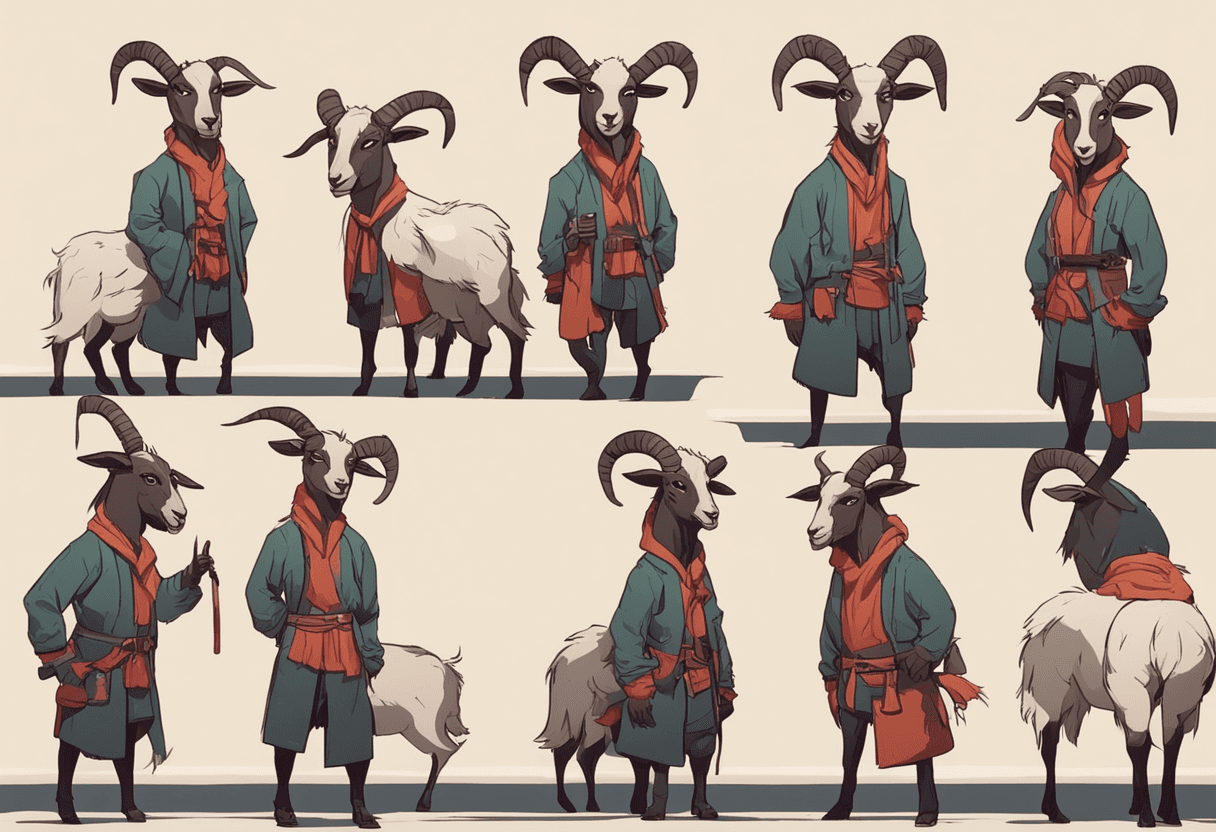
Your mascot in scene 1, on a motorcycle in scene 2, in an office in scene 3 — same face every time. Three techniques, ranked by effort.
May 16, 2026 · 6 min read
Why it's hard
Diffusion models don't have a persistent "memory" of a character. Every generation starts from scratch — even the same prompt with the same seed will only give you the same character if the seed happens to hit the same latent space.
To get true consistency you need to give the model a reference. Three ways to do that:
1. Reference image + IPAdapter (easy)
Give the model your character reference at generation time. IPAdapter (or Flux's native image conditioning) will try to match the visual features.
- Effort: low
- Consistency: good, not perfect
- Cost: no training, small per-generation compute overhead
- Best for: fast iteration, one-off scenes
2. LoRA trained on the character (medium)
Train a LoRA on 20–50 images of your character in varied poses. Load it at generation time.
- Effort: 30 min setup + 2 hrs training + $2-5 GPU cost
- Consistency: very good
- Cost: one-time training, no per-generation overhead
- Best for: recurring characters used regularly
3. Full model fine-tune (advanced)
Fine-tune the base model itself on your character. Rarely worth it unless the character is at the center of your entire product.
- Effort: days
- Consistency: excellent
- Cost: significant compute, ongoing maintenance
- Best for: game studios, animation studios
The Imagoat approach
Imagoat's AI Avatars automates the first production layer: identity packages, reusable persona prompts, platform branding, and monthly content plans. LoRA/IPAdapter identity training can plug into the same profile later.
Prompting tricks that help either way
- Describe the character once, in detail, at the start of every prompt
- Keep the outfit description identical across scenes
- Use the same seed for related scenes when possible
- Generate 4 variations per scene and pick the best face match
Related reading
Creative Workflows
img2img and Inpainting — The Underused Tools
Everyone knows text-to-image. img2img and inpainting are where the real editing power lives. When to reach for each.
Creative Workflows
Upscaling AI Images — Which Method for Which Job
ESRGAN vs Ultimate SD Upscale vs SUPIR. What each is good at, what breaks with each, and how to pick.
Creative Workflows
An AI Image Workflow for Agencies (That Actually Ships)
How to structure an AI image workflow inside a real creative team — briefing, generation, review, and delivery — without chaos.